
Familiar folders, fewer distractions
Radio, Podcasts, Music Tracks, Albums and Playlists mirror Favourites on your phone. Album and playlist structure stays intact; empty categories and folders are hidden.
ANDROID AUTO & APPLE CARPLAY
Your favourite station. The next podcast. An album you know by heart. Bring your saved collection along, with less browsing and more listening.
A SIMPLER WAY THROUGH YOUR LIBRARY
Save and organise on your phone. In the car, browse the collection you already know.
Example library. Empty folders stay out of the way.
Radio, Podcasts, Music Tracks, Albums and Playlists mirror Favourites on your phone. Album and playlist structure stays intact; empty categories and folders are hidden.
Use the car’s available play, pause, stop and skip controls. Choose a saved station or a track from its album or playlist. Speaker discovery and detailed settings stay on the phone.
Supported tracks already downloaded to your phone can play without the original NAS or an internet connection. Add downloadable media to Favourites before you travel and let the downloads finish.
A LITTLE TOUCHME, WHEREVER YOU GO
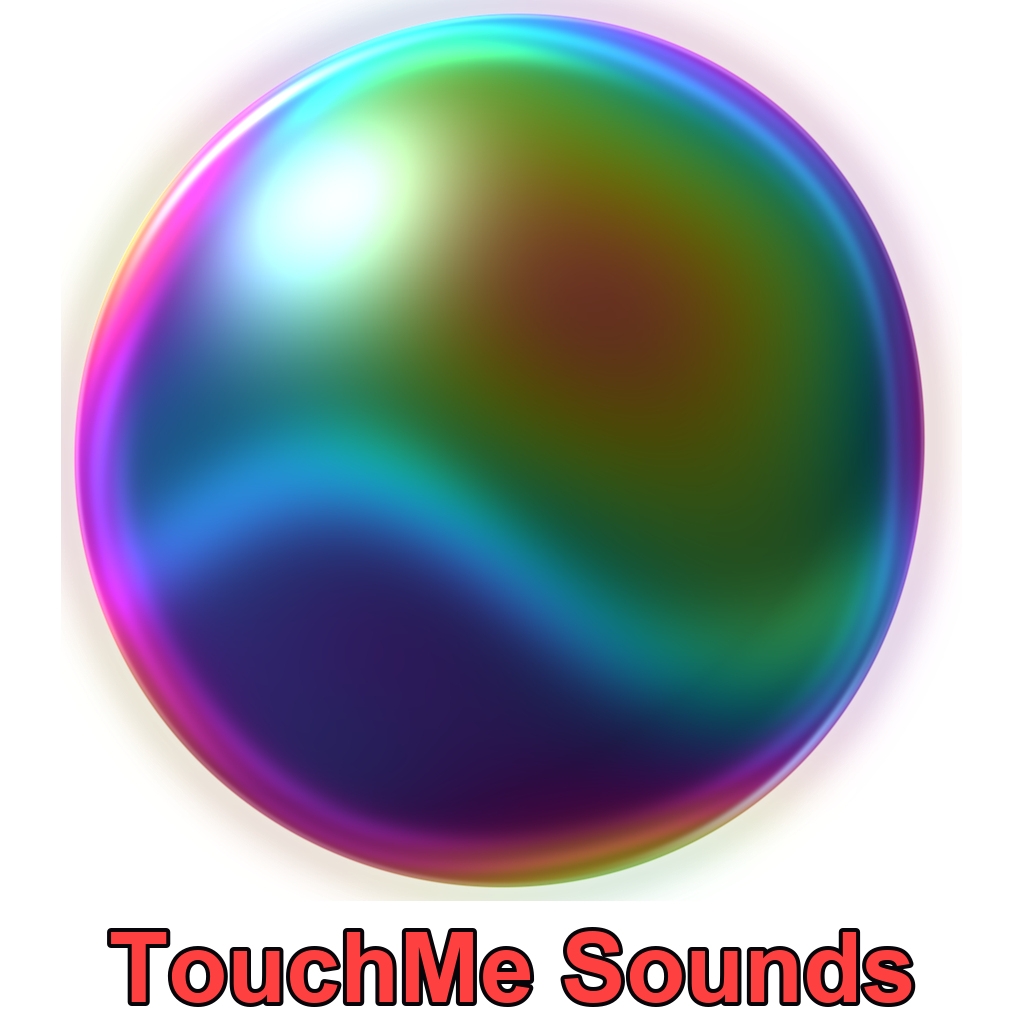
Our latest car artwork brings deeper colour, glass-like reflections and the TouchMe Sounds title in red beneath the bubble. Its transparent background blends into the car’s media interface.
The car system may crop, resize or add its own background to media artwork.
PREPARED FOR THE REAL WORLD
Radio and other internet streams need a working connection. If a stream cannot start or stops progressing, TouchMe reports an internet or stream connection problem instead of leaving you guessing.
Supported downloads are checked on the phone. Missing files, home-only NAS links without downloads and app-only links cannot play; the car may disable or hide unavailable items.
Android playback yields audio focus to calls, Teams and Assistant. Bluetooth disconnect pauses Phone playback. Reconnection failures do not automatically take sound away from a call or voice command.
After a connection error, press Play when coverage returns. Android Auto and CarPlay present messages through their own media interfaces. Behaviour also depends on your phone, car and connection.
BEFORE YOU SET OFF
Browse and set up while parked. CarPlay requires a compatible iPhone and car; Android Auto requires a compatible Android phone and car.
Car playback questions? Start here ↗GOOD SOUNDS ARE ON THEIR WAY
TouchMe Sounds is in testing. Store downloads will be available here when we launch.
 Coming soon · iPhone & iPad
 Coming soon · Android